
Introduction
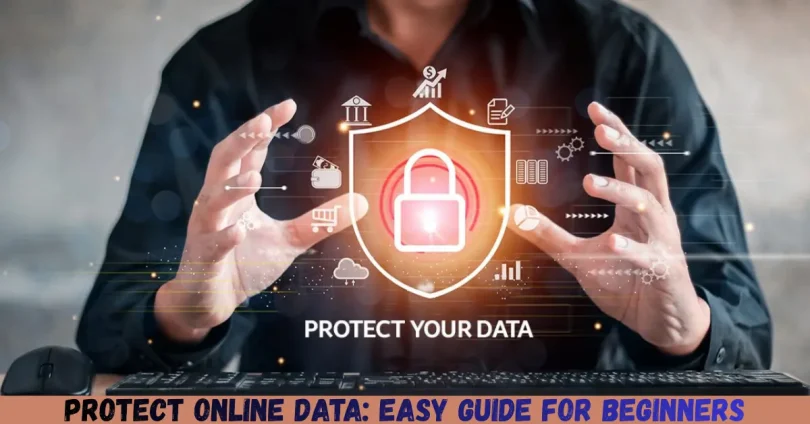
In today’s digital age, almost everything we do involves sharing some form of personal information online. From social media accounts and email communications to online banking and shopping, our digital footprint is larger than ever. With this convenience comes a serious responsibility: protecting online data. Every click, download, or account we create leaves traces of sensitive information that hackers, scammers, or even unauthorized companies can exploit. Understanding how to Protect Online Data is no longer optional—it’s essential for personal safety, financial security, and maintaining privacy.
Many beginners and intermediate users often overlook the importance of data protection, thinking cyberattacks only happen to large companies or tech-savvy individuals. In reality, anyone who uses the internet is at risk. Cybercriminals use sophisticated techniques like phishing, malware, and identity theft to access personal data. Fortunately, with a few simple strategies, you can significantly reduce your risk and take control of your online privacy. This article will provide a detailed, step-by-step guide on how to protect online data, practical tips, and expert advice that anyone can follow.
What is Online Data Protection?
Online data protection, also known as data privacy or cybersecurity, refers to the methods and practices used to secure personal, financial, and sensitive information shared online. This includes data like passwords, bank details, health records, photos, emails, and even online browsing habits. The main goal of online data protection is to prevent unauthorized access, misuse, loss, or theft of this information.
In simpler terms, it’s about making sure that only authorized people or systems can access your data. It involves using security measures such as strong passwords, encryption, secure networks, and awareness of cyber threats. Online data protection is not just about technology; it’s also about adopting safe digital habits, understanding privacy settings, and being cautious about what information you share online.
For instance, using public Wi-Fi without protection or reusing the same password across multiple accounts can expose you to data breaches. Conversely, following online data protection practices ensures your personal and financial information remains confidential and reduces the risk of identity theft.
Why is Online Data Protection Important?
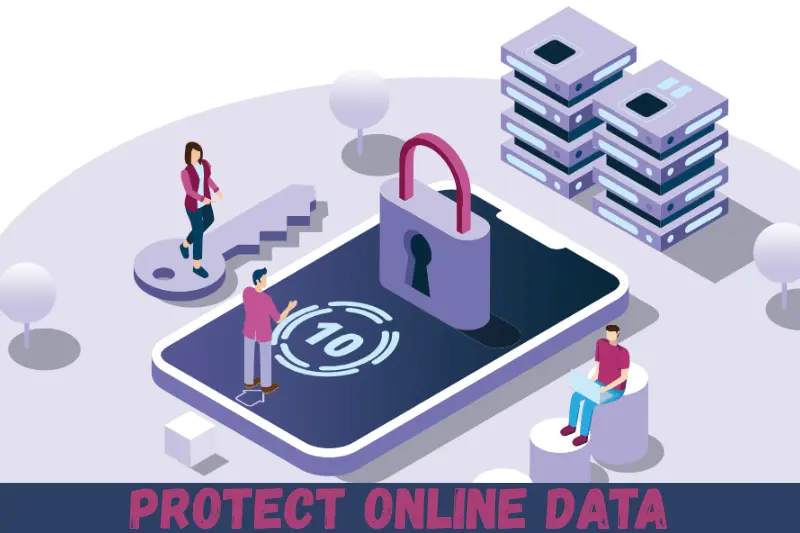
Protecting your online data is critical for several reasons:
- Prevent Identity Theft: Hackers can steal personal details like your Social Security number, email address, or banking information to commit fraud. Protecting data prevents such misuse.
- Maintain Financial Security: Cybercriminals can access online bank accounts, credit cards, or digital wallets if your data isn’t secured.
- Preserve Privacy: Without protection, companies or individuals can track your online behavior, including browsing history, location, and personal preferences.
- Avoid Data Loss: Losing important files, emails, or documents due to malware or hacking can be frustrating and harmful, especially for businesses.
- Enhance Online Confidence: Knowing your data is protected allows you to use digital services, shop online, or share information without fear.
Detailed Step-by-Step Guide to Protect Online Data
Protecting online data involves a combination of technology, habits, and awareness. Here’s a comprehensive guide:
1. Use Strong and Unique Passwords
Passwords are your first line of defense. Weak passwords are easy to crack, so use the following strategies:
- Combine Letters, Numbers, and Symbols: For example, Myp@ssw0rd2025!.
- Avoid Common Words: Never use names, birthdays, or simple words.
- Use a Password Manager: Tools like LastPass or 1Password can generate and store strong passwords securely.
- Enable Two-Factor Authentication (2FA): This adds an extra layer of security using a code sent to your phone or email.
2. Keep Software and Devices Updated
Regular updates fix security vulnerabilities in operating systems, browsers, and apps.
- Enable automatic updates on your devices.
- Update antivirus and firewall software.
- Regularly patch mobile apps and web applications.
3. Encrypt Sensitive Data
Encryption converts your data into code, making it unreadable to unauthorized users.
- Use encrypted messaging apps like Signal or WhatsApp for personal communication.
- Encrypt important files on your devices using tools like BitLocker or VeraCrypt.
- When sharing files online, use services that offer end-to-end encryption.
4. Secure Your Internet Connection
Public Wi-Fi networks are often unsecured, making it easier for hackers to access your data.
- Avoid using public Wi-Fi for banking or sensitive transactions.
- Use a Virtual Private Network (VPN) to encrypt your internet connection.
- Ensure your home Wi-Fi is password-protected with WPA3 encryption.
5. Be Wary of Phishing Scams
Phishing is a common method hackers use to steal data.
- Never click on suspicious links in emails, messages, or pop-ups.
- Verify the sender’s email address before opening attachments.
- Watch for misspellings or unusual language in emails, which often indicate scams.
6. Limit Personal Information Sharing
Oversharing on social media can expose sensitive information.
- Adjust privacy settings on platforms like Facebook, Instagram, and LinkedIn.
- Avoid posting sensitive details like your address, phone number, or financial information.
- Be cautious about surveys, quizzes, or contests that ask for personal information.
7. Backup Your Data Regularly
Data loss can occur due to hardware failure, malware, or accidental deletion.
- Use external hard drives or cloud storage to keep backups.
- Schedule automatic backups to ensure data is always up-to-date.
- Keep backups encrypted for added security.
8. Install Reliable Antivirus and Security Software
Security software detects and removes malware, spyware, and other threats.
- Choose reputable antivirus programs with real-time scanning.
- Enable firewall protection on all devices.
- Regularly scan your system for threats.
9. Monitor Accounts and Transactions
Early detection of unusual activity can prevent serious damage.
- Check bank and credit card statements frequently.
- Set up alerts for suspicious login attempts.
- Monitor credit reports to detect identity theft early.
10. Educate Yourself About Cyber Threats
Cybersecurity is constantly evolving, so staying informed is vital.
- Read blogs or news about recent cyber attacks.
- Take free online courses on cybersecurity basics.
- Share knowledge with family and friends to protect them too.
Benefits of Protecting Online Data
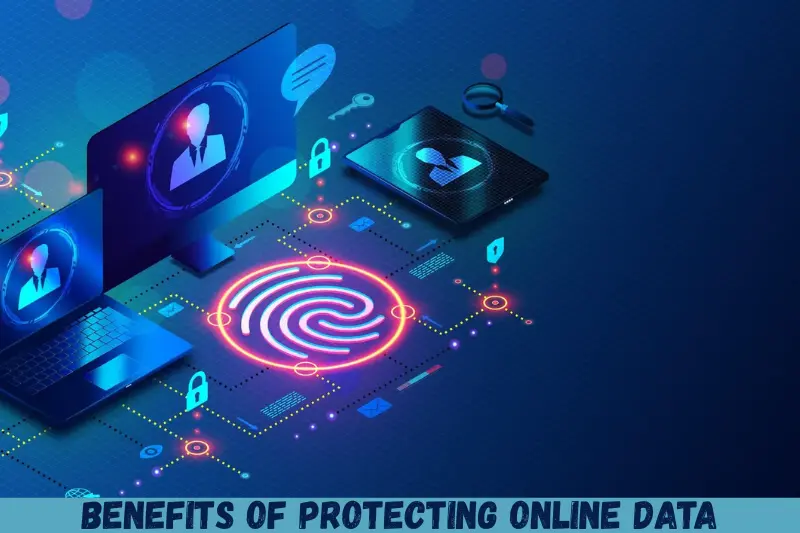
Protecting online data offers numerous advantages:
- Enhanced Security: Reduced risk of hacking, phishing, and malware attacks.
- Financial Safety: Prevent unauthorized access to bank accounts or credit cards.
- Privacy Control: Maintain control over personal information and online activity.
- Peace of Mind: Knowing your data is secure reduces anxiety while using the internet.
- Business Confidence: For professionals, protecting client data ensures trust and compliance.
- Reduced Identity Theft Risks: Safeguarding personal information prevents long-term financial and legal complications.
Disadvantages / Risks of Poor Data Protection
Neglecting online data security can lead to:
- Identity Theft: Hackers may use stolen personal information for fraudulent activities.
- Financial Loss: Unauthorized transactions can drain accounts.
- Reputation Damage: Leaked personal or professional data can harm your credibility.
- Emotional Stress: Recovering from cyberattacks is often time-consuming and stressful.
- Legal Consequences: Businesses failing to protect client data may face penalties under privacy laws.
- Data Corruption: Malware or ransomware attacks can destroy important files.
Common Mistakes to Avoid
Even with the best intentions, people often make mistakes that compromise online data:
- Reusing Passwords across multiple accounts.
- Ignoring Software Updates, leaving devices vulnerable.
- Clicking Suspicious Links without verifying authenticity.
- Oversharing on Social Media, providing hackers with personal information.
- Using Unsecured Wi-Fi Networks for sensitive transactions.
- Failing to Backup Data, risking permanent loss.
- Ignoring Security Alerts from software or devices.
- Neglecting Two-Factor Authentication, reducing account security.
FAQs About Protecting Online Data
What is the easiest way for beginners to protect online data?
Using strong, unique passwords and enabling two-factor authentication is the easiest and most effective starting point.
Can public Wi-Fi be safe?
Yes, if you use a VPN, avoid sensitive transactions, and ensure your device’s firewall is active.
How often should I update passwords?
Every 3–6 months for critical accounts like banking or email. Less sensitive accounts can be updated annually.
Are free antivirus programs enough?
Free antivirus software offers basic protection, but paid versions provide advanced features like real-time scanning and ransomware protection.
How can I tell if my data has been compromised?
Unusual account activity, unexpected emails, or alerts from your bank are common signs. Monitoring credit reports can also help.
Should I encrypt all my files?
Yes, especially sensitive documents like tax records, financial statements, and personal photos. Encryption ensures unauthorized users cannot read them.
Does using a VPN guarantee full security?
While a VPN encrypts your connection and hides your IP address, it doesn’t protect against phishing, malware, or weak passwords. Always combine it with other security measures.
Can social media platforms steal my data?
Platforms may collect data for advertising purposes, but controlling privacy settings limits what they can access.
Expert Tips & Bonus Points
- Use a Password Manager: Helps generate, store, and manage complex passwords securely.
- Regularly Review Privacy Settings: On social media, email, and cloud services.
- Educate Family Members: Teach children and elders safe online habits.
- Avoid Auto-Saving Passwords in Browsers: While convenient, it may expose sensitive credentials.
- Check for HTTPS: Only enter personal information on websites with HTTPS encryption.
- Practice Safe Downloading: Avoid untrusted websites or torrents to prevent malware.
- Log Out of Accounts: Especially on shared or public computers.
Conclusion
Protecting online data is no longer a luxury; it’s a necessity. Every day, millions of people risk identity theft, financial loss, and privacy breaches by neglecting simple yet effective security practices. From creating strong passwords and using encryption to being cautious online and monitoring accounts, the steps to safeguard your information are practical and achievable for anyone, regardless of technical knowledge.
By implementing the strategies outlined in this guide, you not only secure your personal and financial information but also gain peace of mind. Remember, cybersecurity is an ongoing process. Stay informed about new threats, update your devices regularly, and never underestimate the value of safe digital habits. Protecting your online data is about taking control, being proactive, and making your online experience safe and worry-free.